Monday, February 10, 2014

The Power of Dreams

Honda has made a series of short documentaries titled, "The Power of Dreams". Many of them attempt to explain why/how Honda has innovative in the past, and how they will be the leaders of innovation in the future. The videos apply to what we study in this class, especially as we start the Automation and Robotics units.


In a comment below, answer the two questions that follow (They go along with the first two videos on the playlist.)

  1. 1st Video: When do you think it will be popular to have a personal robot in your home? 30 years from now? 50? Would you like that?
  2. 2nd Video: What will "Mobility" look like in the year 2088? How will people get where they want to go?  

Wednesday, February 5, 2014

Hopscotch Challenges

Cargo-Bot and Hopscotch are a couple of apps that will help us get into the "coding mindset". Yesterday, we worked at passing the tutorials on Cargo-Bot with three stars each. It's tough, but you can do it.
Today (and probably tomorrow), there are some Hopscotch Challenges to complete. They are detailed on this Hopscotch Challenges Google Doc. The last challenge to master is to "Create a Game". This can be simple, but I can't wait to see what you come up with. Once you've completed your game, share it with me by email.

Friday, January 3, 2014

Playground Design Problem

In this last project of our Design & Modeling unit, your class will be designing a complete playground for Byron Elementary Students (in Kindergarten - 2nd Grade to be specific). This will take teamwork and all that you've learned about the Design process, sketching, dimensioning, and 3D modeling.
I'll also embed the presentation with some of the criteria and constraints of the project.

You'll also keep a writing log for this project. Make a copy of this document, and that will be yours to write in.

Monday, December 16, 2013

Pegboard Presentation

Let's try to make cool stuff today!

First, I'd like you to get a little bit familiar with Inventor Presentation (.ipn) files. You will use these instructions to build a pretty simple animation using this software. Here's what your first product might look like:

As the instructions on the Google Doc state, there are some really cool "tweaks" you can make to your Pegboard animation. Try some of them out. Using terms that you use, give it some "swag". After recording your animation, be sure to save the file. Then upload that video file to your shared STEM folder on Google Drive. I'd love to include your work on this Byron STEM blog!
Another thing you could do is make a presentation file for your Furniture Project. If you and your partner get the video to your Google Drive, it would be quite easy to share it directly or on a Google Presentation.

Saturday, December 14, 2013

Engineering TED Talks

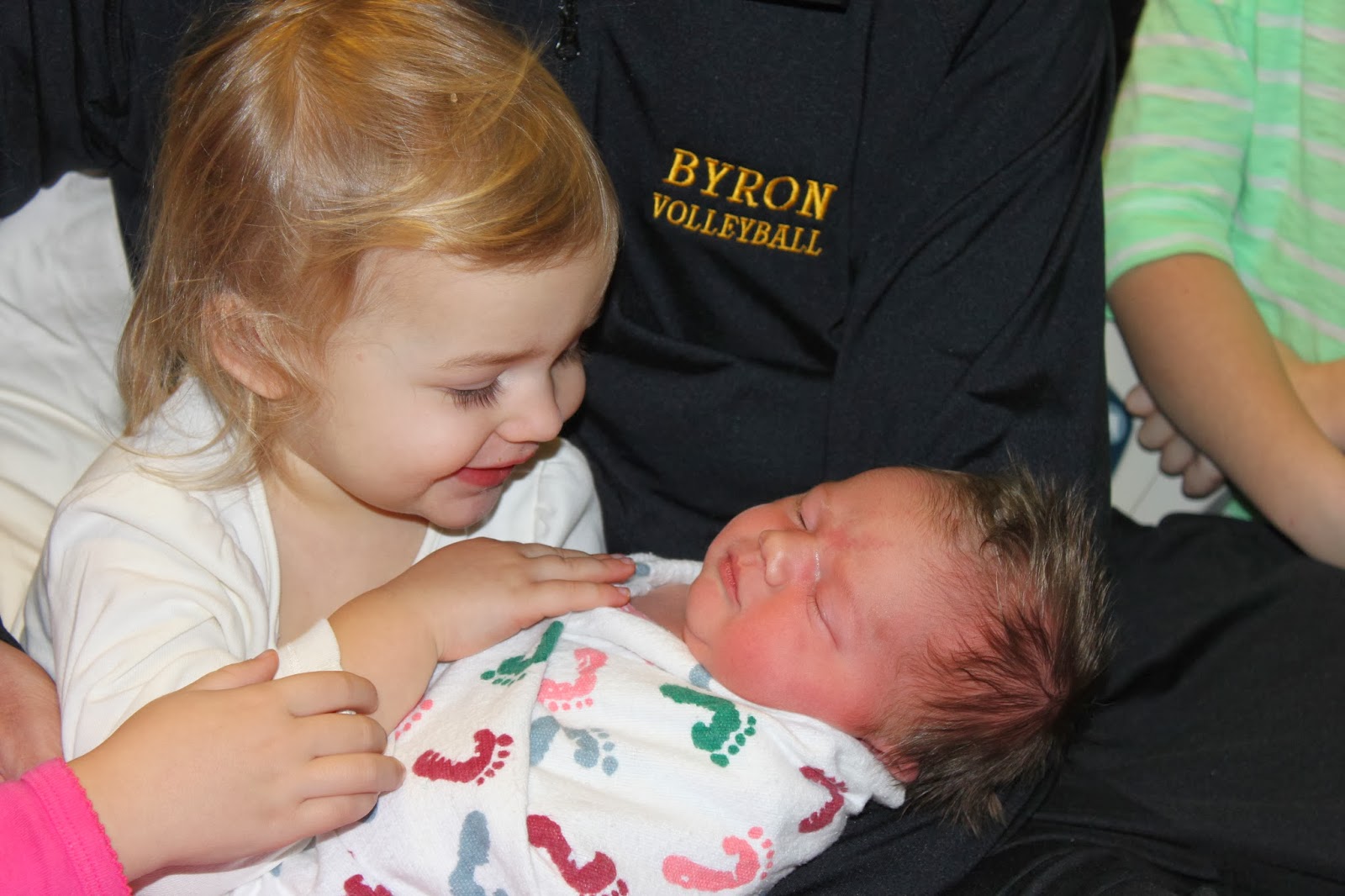
First of all, we had our little baby! Her name is Greta. She's awesome, and we're proud of her. Here are a couple of pictures.


I plan on coming back to school this Wednesday if things continue to go well. 
For today, you will watch and profile a couple of TED Talks that have to do with Engineering and/or Design. There are a lot of good ones out there, so you should find a couple that interest you the most. FOR TWO TED talks, you will answer some questions in a portfolio entry.
Here are some of the TED talks you might choose to watch and summarize.

Write an entry in your STEM Portfolio. These questions are also on our STEM Portfolio Example.

In your entry, answer these questions for at least 2 videos: 
  • Which TED talk did you watch? 
  • How long was it? 
  • What was it about? 
  • What did it have to do with engineering? 
  • What did you learn from watching the video?
  • Is this an “idea worth spreading”? Why or why not?